Use JackMoebius in JackMate
JackMate is the reference front-end for JackMoebius: expose, wire and mix your apps visually.


JackMoebius and JackMate, made to work together.
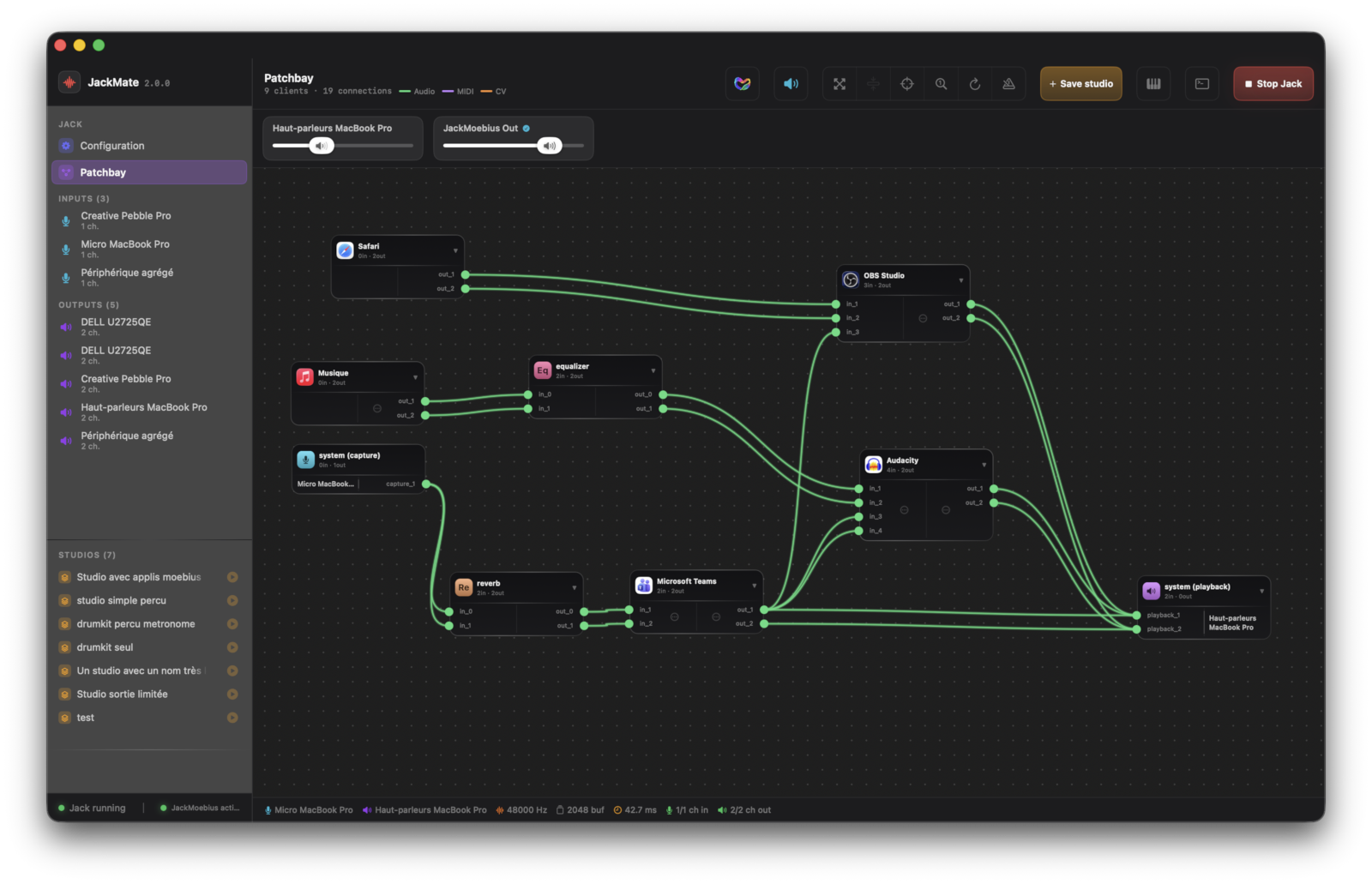
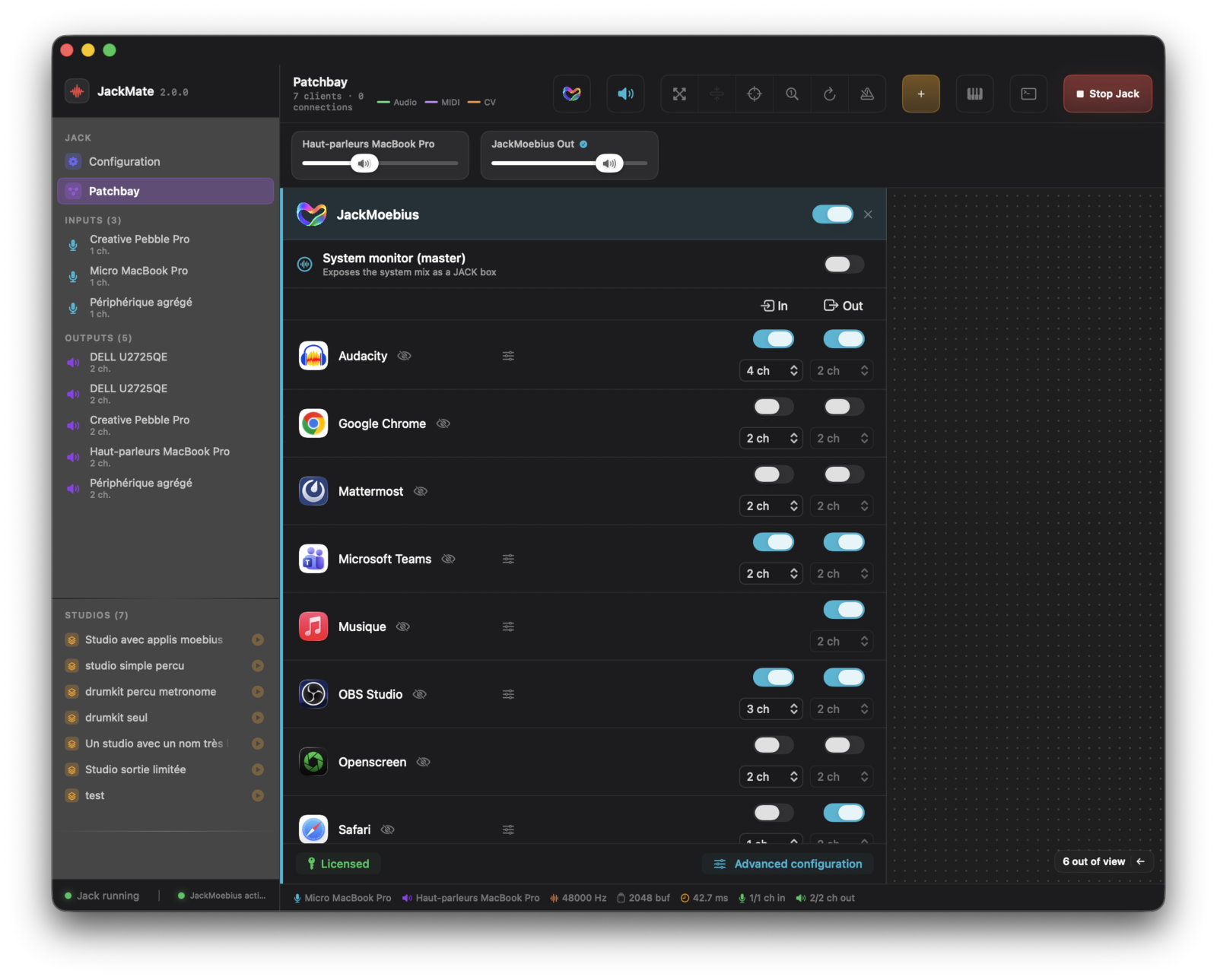
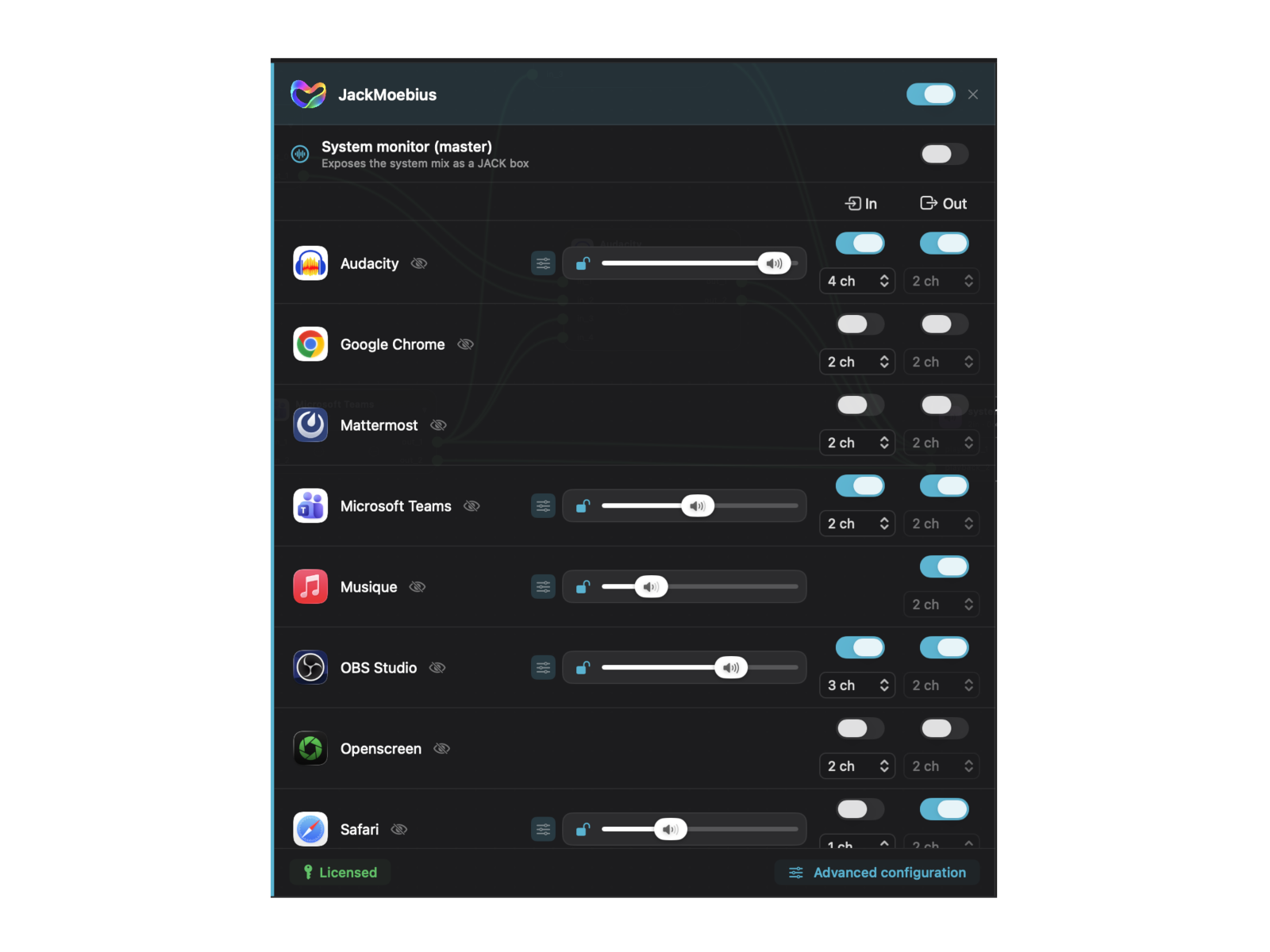
The most natural way to use JackMoebius is the JackMate GUI, a free, standalone JACK patchbay and manager, and the visual way to drive it: one box per exposed app, per-app Output / Input, per-app volumes, live routing-status alerts, and studios that save and restore your whole setup in one click. JackMate detects the installed JackMoebius daemon automatically, with no path to configure.
Tip See it all in JackMate
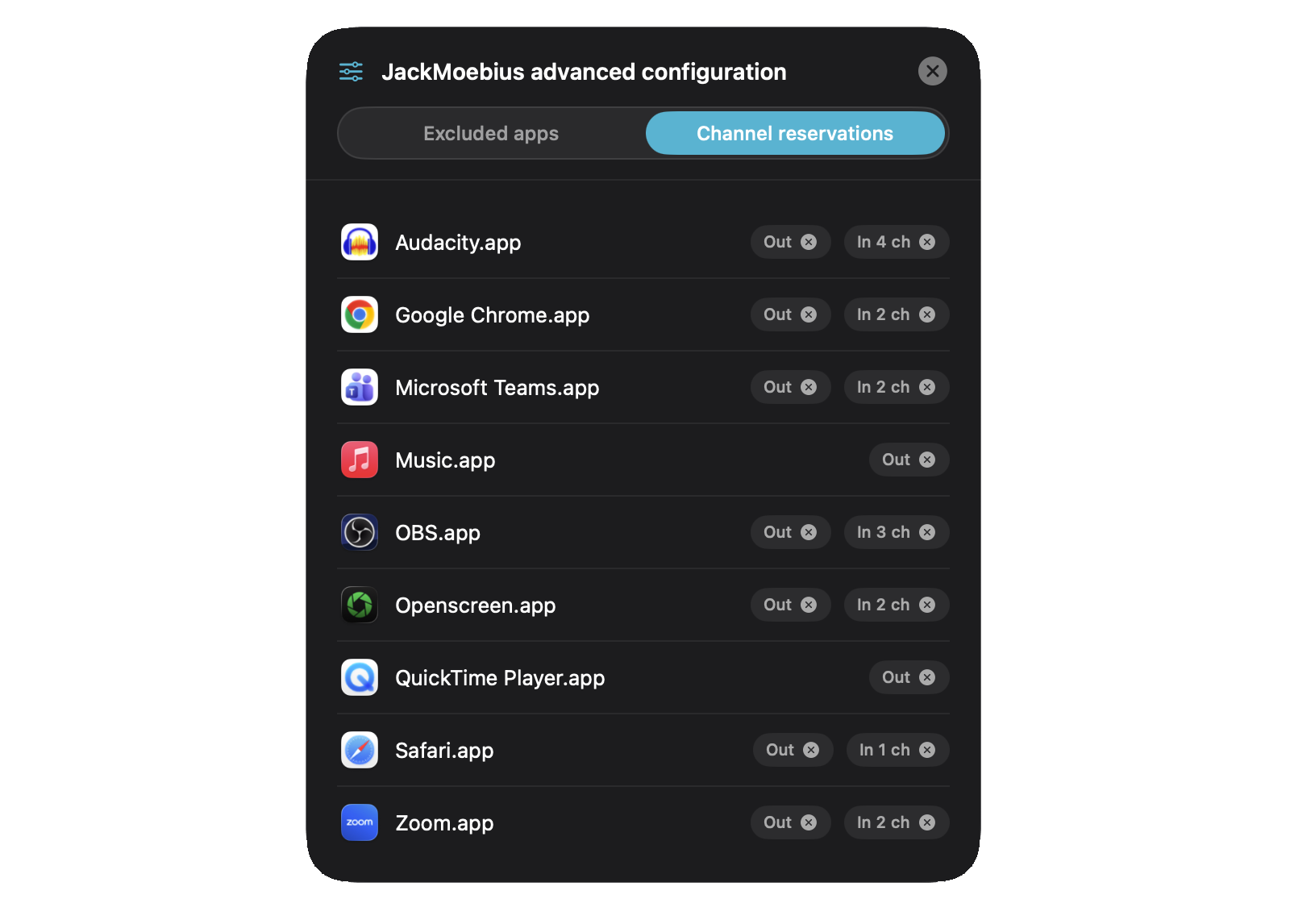
JackMate’s own guide walks through every JackMate ↔︎ JackMoebius interaction: exposing apps, per-app Output / Input and channel counts, per-app volumes, the wrong-device routing alerts, and studios that restore your whole setup.
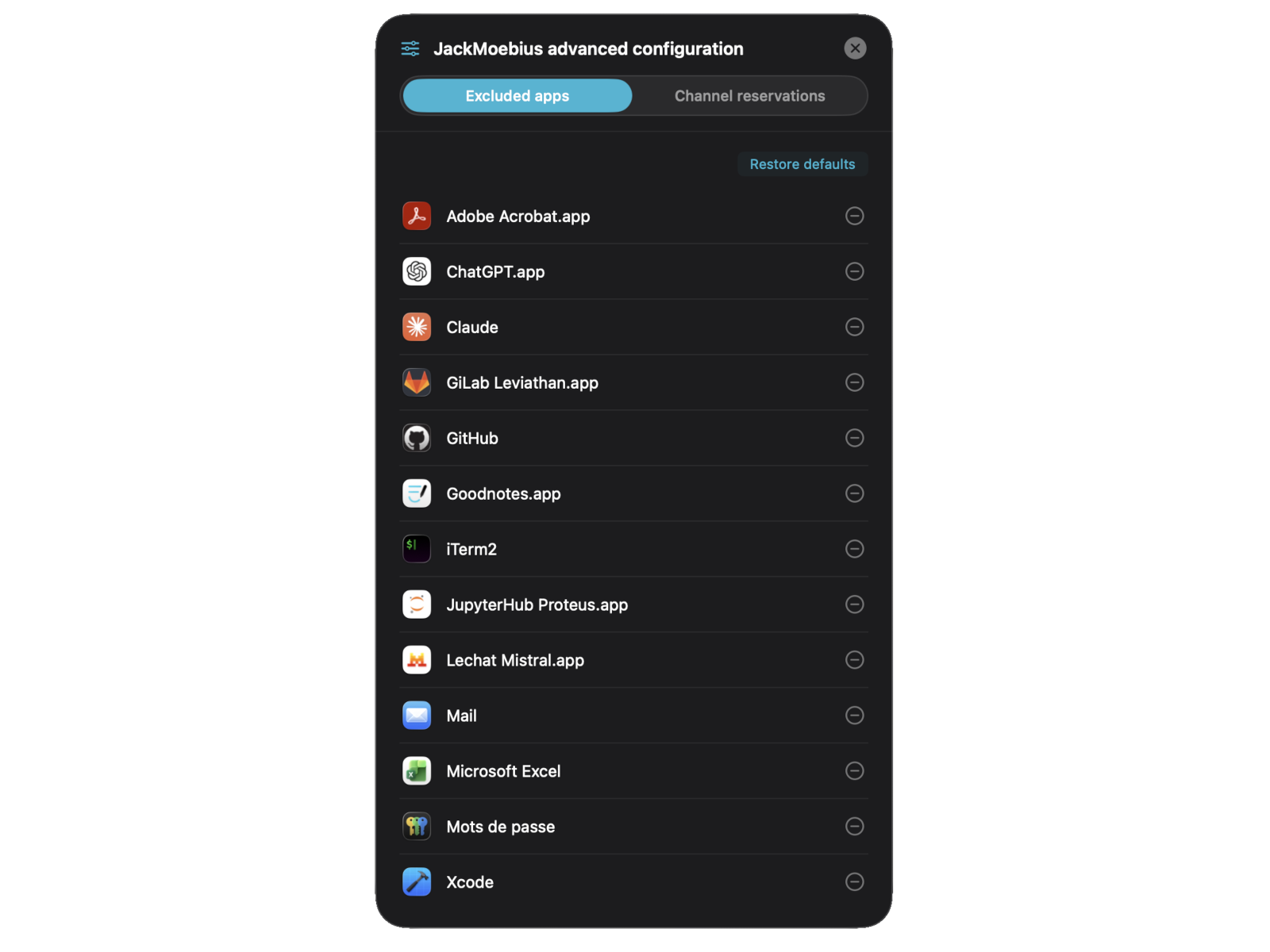
JackMate is the reference front-end, but it isn’t the only way in:
- Any JACK patchbay or tool: JackMoebius is driven entirely through a documented IPC protocol over a local socket. Nothing about it is JackMate-specific, so other developers are free to build JackMoebius support into their own tools.
- The command line: the
jackmoebiusCLI does everything the daemon can (see the CLI reference): script it, automate it, or run it headless with no GUI at all.